Table of Contents
An IPTV player M3U playlist works by allowing compatible software to read a structured list of television streams and turn that information into a browsable channel interface. The playlist provides channel data and stream locations, while the player handles playback. FREE IPTV CHANNELS offers an alternative through a dedicated IPTV application designed to simplify the entire viewing experience.
When people first encounter IPTV, they often see three terms together:
IPTV player.
M3U playlist.
Live TV.
It can appear as though these are three versions of the same thing.
They are not.
The IPTV player is the software you interact with.
The M3U playlist is the structured information the player reads.
The stream is the actual media connection used to deliver the television channel.
Understanding the relationship between these three components makes IPTV considerably easier to troubleshoot.
It also explains why simply changing an IPTV player does not necessarily fix every problem.
A player can be perfectly functional while a particular stream is offline.
Likewise, a working stream can fail to appear if the playlist is incorrectly formatted.
This distinction is especially useful for Firestick and Android TV users who want to understand exactly what happens when they add an M3U playlist.
And there is an even more important question:
Do you actually need to manage an M3U playlist yourself?
For technically experienced viewers, the answer may be yes.
For users who simply want an easy way to watch live TV, a dedicated IPTV application can remove much of that complexity.
That is the approach taken by FREE IPTV CHANNELS.
Explore the FREE IPTV CHANNELS IPTV experience
What an IPTV Player Actually Does
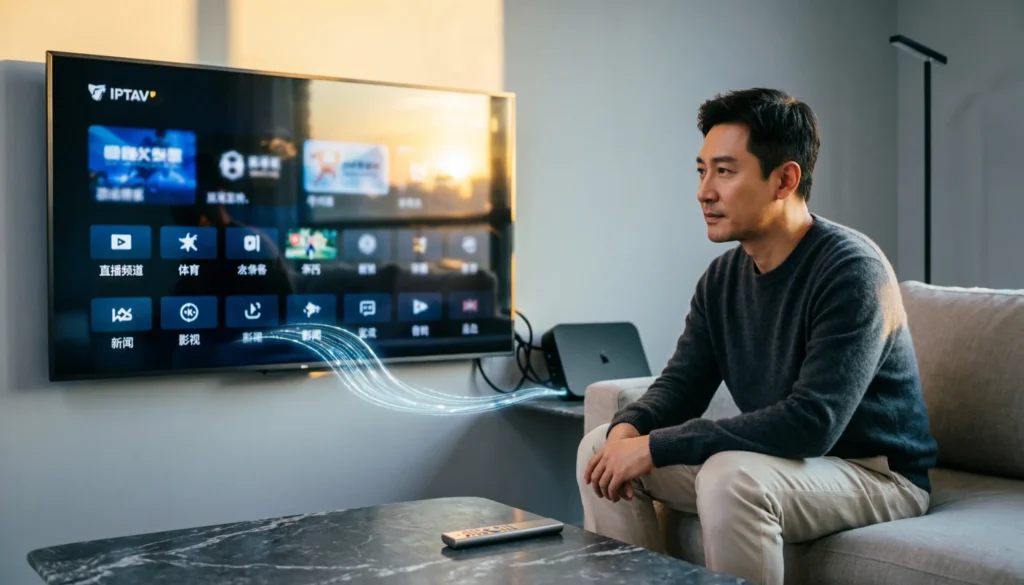
An IPTV player is essentially the viewing software.
It provides the interface through which you browse channels and start playback.
The player can handle tasks such as:
- Reading playlists
- Organizing channels
- Loading logos
- Grouping channels
- Starting streams
- Handling playback
- Displaying program information
- Remembering favorites
The player itself does not automatically create a television channel lineup.
It needs information telling it what content is available.
That is where an M3U playlist enters the picture.
The M3U Playlist Is the Channel Directory
An M3U playlist is a plain-text playlist format that can contain streaming addresses and associated metadata. In IPTV environments, extended entries commonly include information such as channel names, categories, logos and EPG identifiers.
A simplified IPTV relationship looks like this:
M3U playlist → IPTV player → Stream → Television
The playlist provides the map.
The player reads the map.
The streaming server provides the actual video.
This is why an M3U file should not be confused with the video itself.
What Happens When You Add an M3U URL?
When you paste an M3U URL into a compatible player, the player retrieves the playlist and parses its entries.
It then transforms the information into something much easier to use:
News
Sports
Movies
International
Kids
Entertainment
The exact categories depend on the playlist.
The player may also display channel logos and electronic program guide information when those data sources are provided.
From the viewer’s perspective, the process appears almost instantaneous.
Behind the interface, however, several things are happening.
M3U File vs M3U URL
There are two common ways an IPTV player can receive a playlist.
Local M3U File
The playlist exists as a file stored on your device.
For example:
channels.m3u
The player reads the file directly.
M3U URL
Instead of downloading a file manually, you give the player a web address.
The player retrieves the playlist remotely.
This approach is particularly useful for managed services because the playlist can potentially be updated remotely without requiring the user to manually replace a local file.
Why the M3U URL Is Usually More Convenient
Imagine having 5,000 channels in a local file.
Every time the provider changes the lineup, you would need a new file.
With a remotely hosted playlist, the application can retrieve the latest version.
This makes remote playlists much more practical for large IPTV environments.
However, there is an important limitation.
Refreshing the playlist does not guarantee that every underlying stream will work.
The channel list and the actual streaming infrastructure are separate things.
What Is Inside an M3U Playlist?
An extended IPTV playlist can contain multiple pieces of information.
A typical entry can include:
- Channel name
- Channel category
- Logo reference
- EPG identifier
- Stream address
The actual video stream is normally represented by the URL associated with the entry.
The structure is repeated throughout the playlist.
That is how a text file can eventually become a television interface containing thousands of channels.
M3U and M3U8 Are Not Exactly the Same Thing
This is one of the most confusing areas for new IPTV users.
M3U is a playlist format.
M3U8 refers to an M3U playlist encoded using UTF-8 and is also commonly encountered as the manifest format for HLS streaming.
In practical IPTV use, you may therefore encounter both.
A channel list might be provided as an M3U URL.
An individual live stream may then point to an M3U8 HLS manifest.
The two terms are related but should not automatically be treated as interchangeable.
Why an IPTV Player Can Show a Channel That Does Not Play
This is one of the most common sources of confusion.
You open your IPTV application.
The channel is listed.
You click it.
Nothing happens.
You might assume the IPTV player is broken.
Not necessarily.
The playlist can successfully load the channel name while the actual stream behind that entry is unavailable.
In other words:
The directory works, but the destination does not.
This is why channel count alone is a poor measurement of IPTV quality.
Common Reasons an M3U Playlist Fails
There are several possibilities.
The Playlist URL Is Incorrect
One character can make a URL invalid.
The Playlist Has Expired
Some playlist URLs are temporary or account-specific.
The Server Is Unavailable
The player may be functioning normally while the remote server is down.
The Playlist Is Malformed
Incorrect formatting can prevent some or all entries from being parsed correctly.
The Stream Has Changed
The channel entry may exist while the underlying stream address is no longer valid.
Your Network Is Having Problems
Slow or unstable connectivity can also prevent playback.
A good troubleshooting process therefore examines the entire chain rather than immediately blaming the player.
Why Changing IPTV Players Does Not Always Solve Buffering
This is a common misconception.
Someone experiences buffering.
They install another player.
The buffering continues.
Why?
Because the problem may exist outside the application.
Consider the delivery chain:
Content source → Streaming server → Network → Device → IPTV player → Television
If the source is unreliable, replacing the player does not repair the source.
If your Wi-Fi is unstable, changing applications does not strengthen your Wi-Fi.
If the server is overloaded, a different interface cannot create additional server capacity.
This is why infrastructure matters.
The Importance of Streaming Infrastructure
FREE IPTV CHANNELS promotes a cloud-based IPTV environment supported by:
- Offshore servers
- Global CDN network
- Anti-buffer technology
- 99.9% server uptime
The purpose is to move beyond the idea of simply handing users a playlist and leaving them to manage the rest.
A complete IPTV experience requires more than channel names.
It requires infrastructure capable of delivering those channels.
Why a Dedicated IPTV Application Can Be Easier
M3U is powerful because it is flexible.
But flexibility can create complexity.
You may need to:
- Find a playlist
- Add the URL
- Refresh the list
- Remove dead channels
- Check missing streams
- Troubleshoot playback
- Update sources
A dedicated IPTV application can abstract much of this process.
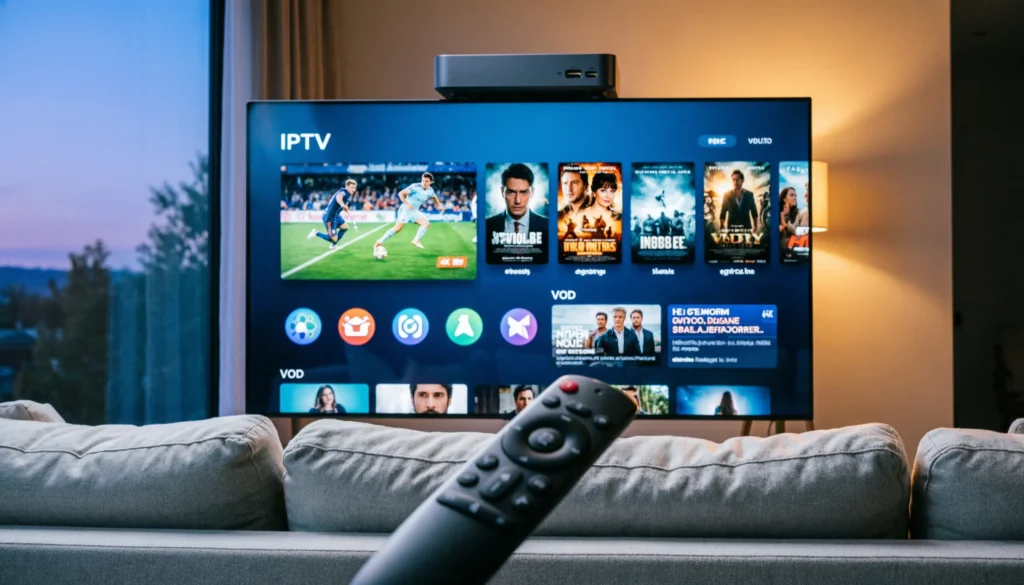
Instead of thinking about playlist architecture, the viewer sees:
Live TV
Sports
Movies
Series
News
VOD
That is a considerably more natural television experience.
See the FREE IPTV CHANNELS live TV and VOD platform
What FREE IPTV CHANNELS Brings Together
FREE IPTV CHANNELS promotes a standalone IPTV application connected directly to backend infrastructure.
The platform promotes:
20,000+ Live Channels
Daily-Updated VOD
Live Sports
Movies
TV Series
News
Documentaries
International Programming
Kids & Family
Music & Arts
Gaming & Tech
Lifestyle & Food
Drama & Comedy
It also promotes PIN-protected adult content as a separate restricted category.
The emphasis is therefore not simply on giving users another playlist.
It is on providing a complete entertainment environment.
Live Sports on an IPTV Player
Sports are an excellent example of why infrastructure matters.
A viewer watching a recorded movie can sometimes tolerate a delay.
Live sports are different.
If a stream freezes during an important moment, the experience is immediately affected.
FREE IPTV CHANNELS promotes live sports alongside anti-buffer technology, 4K/FHD support and global CDN infrastructure.
The goal is to make the streaming environment more suitable for real-time viewing.
Movies and VOD Add Another Dimension
An M3U-based live TV setup is often focused primarily on channels.
But viewers increasingly expect on-demand entertainment as well.
FREE IPTV CHANNELS promotes a daily-updated VOD library containing movies and TV series.
That creates a more complete experience.
You can switch from:
Live Sports
to:
Movies
then:
TV Series
without having to rebuild the entire IPTV environment.
IPTV Player M3U Playlist on Firestick
Firestick is particularly suitable for IPTV because it provides a television-oriented interface and remote control.
A traditional M3U workflow generally looks like:
Install compatible IPTV software
Add the M3U URL
Wait for the playlist to load
Browse categories
Select a channel
Start playback
This is perfectly reasonable for users who already have a legitimate playlist source.
But users who want less technical maintenance may prefer a dedicated IPTV application.
IPTV Player M3U Playlist on Android TV
Android TV provides similar advantages.
The large-screen interface makes channel navigation easier than using a desktop environment.
An M3U-compatible application can transform a playlist into a television-style interface.
But again, the player is only one component.
A good IPTV experience also depends on the content source and infrastructure behind the playlist.
What Makes a Playlist Useful?
A high-quality playlist should ideally have:
Logical Categories
Sports should be separated from news and entertainment.
Accurate Channel Names
Users should immediately understand what they are selecting.
Useful Metadata
Logos and EPG identifiers can improve navigation.
Valid Stream Addresses
The most important requirement is that the actual streams work.
Reasonable Update Practices
Outdated information reduces the value of the playlist.
These factors determine usability far more than the raw number of entries.
Why 20,000 Channels Does Not Automatically Mean 20,000 Good Channels
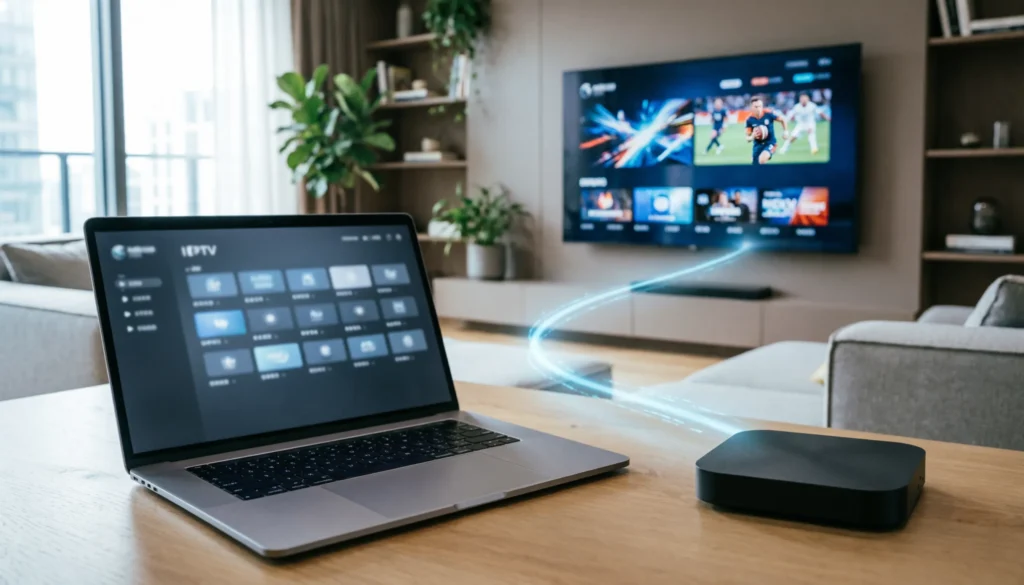
Channel counts are an easy marketing metric.
But they do not tell the entire story.
Imagine two IPTV environments.
One contains 30,000 poorly organized entries.
The other contains 20,000 organized channels supported by a dedicated application.
Which one would you rather use?
Most viewers would choose the environment where finding and watching content is easier.
Usability is a feature.
IPTV, EPG and Channel Organization
An EPG, or Electronic Program Guide, provides information about scheduled programming.
Without useful metadata, a channel list can become little more than a long collection of names.
With appropriate EPG information, viewers can understand:
- What is currently playing
- What is coming next
- Program titles
- Broadcast schedules
This is another example of how the IPTV experience extends beyond the raw M3U format.
When an M3U Playlist Makes Sense
M3U remains useful for several types of users.
Technical Users
People who like controlling their own setup.
Custom Playlist Builders
Users who want to create their own channel organization.
Multi-Device Users
People who want a portable playlist format.
Advanced IPTV Users
Viewers comfortable troubleshooting URLs and metadata.
For these users, M3U is an excellent tool.
When a Dedicated Application Makes More Sense
A dedicated IPTV platform is more attractive when the priority is:
- Simplicity
- Easy navigation
- Minimal configuration
- Centralized content
- Live TV and VOD together
- Television-friendly design
This is the audience FREE IPTV CHANNELS is designed to serve.
Explore the simpler IPTV viewing experience
How to Install FREE IPTV CHANNELS on Firestick
For Firestick users, the installation process is designed around three basic stages.
Step 1: Install Downloader
Install Downloader by AFTVnews on your Firestick.
Depending on the Fire TV software version, enable the relevant permission allowing Downloader to install applications from that source.
Step 2: Use the Quick Code
Open Downloader and enter the current FREE IPTV CHANNELS quick code supplied through the official homepage or installation instructions.
This is easier than typing a long address with a remote control.
Step 3: Install and Clean Up
Allow the APK to download.
Install the application.
Open it and confirm that it launches correctly.
Once installation is complete, remove the temporary APK file to conserve device storage.
Get the current installation instructions
Getting Better Results From IPTV Streaming
Even a well-designed IPTV platform depends on your local network.
A few practical improvements can help.
Check Your Wi-Fi
Your Firestick should have a strong connection.
Restart the Router
Temporary networking problems can sometimes be resolved this way.
Keep Storage Available
Low device storage can create unnecessary performance problems.
Keep Software Updated
Current software can improve compatibility.
Reduce Network Congestion
Heavy downloads or other streaming activity can affect available bandwidth.
Consider a Wired Connection
Where supported, Ethernet can provide more consistent connectivity than weak Wi-Fi.
What to Do When an IPTV Playlist Will Not Load
If an M3U playlist refuses to load, use a systematic approach.
First, verify the playlist address.
Next, check whether your internet connection works normally.
Then determine whether the playlist is still valid.
If the playlist loads but channels do not play, investigate the individual streams.
If only certain categories fail, the problem may be limited to those sources.
If everything fails simultaneously, the playlist or server may be unavailable.
This approach is much more effective than repeatedly reinstalling your IPTV player.
Security and Privacy Considerations
M3U URLs can sometimes contain account credentials or other identifying information.
Treat a private playlist URL as sensitive.
Do not post it publicly.
Do not send it to strangers.
Avoid copying credentials into unknown websites.
And most importantly, use IPTV sources that you are legally authorized to access.
The format itself is neutral.
The legality of the content depends on the source and rights associated with the streams.
Why FREE IPTV CHANNELS Is Different From a Raw Playlist
The distinction can be summarized simply.
An M3U playlist gives you information about streams.
An IPTV application gives you an interface for watching content.
A complete IPTV platform can combine that interface with:
Content
Servers
CDN infrastructure
VOD
Categories
Streaming optimization
That is the philosophy behind FREE IPTV CHANNELS.
Instead of making the viewer responsible for every technical component, the platform aims to make the technology invisible.
A Better Way to Evaluate IPTV Players
When evaluating an IPTV player or platform, do not ask only:
“How many channels does it support?”
Ask:
Does the interface make sense?
Can I find channels quickly?
Does it support my device?
Can I access live and on-demand content?
How much configuration is required?
What infrastructure supports the streams?
How frequently is content maintained?
These questions provide a much more accurate picture.
Why Simplicity Matters on a Television
A television is not a desktop computer.
You normally sit several meters away.
You navigate with a remote.
Typing long URLs is frustrating.
Scrolling through raw technical information is even worse.
A television application should therefore minimize typing and maximize visual navigation.
That is why the quick-code installation approach used by FREE IPTV CHANNELS is particularly useful for Firestick users.
The Real Value of IPTV Is the Experience
The M3U format is useful technology.
But viewers do not wake up thinking:
“I want to parse an M3U file today.”
They think:
“I want to watch the game.”
Or:
“I want a movie.”
Or:
“What is on the news?”
The best IPTV environment is therefore the one that gets technology out of the way.
FREE IPTV CHANNELS is built around that principle.
Frequently Asked Questions
What is an IPTV player?
An IPTV player is software that reads compatible streaming information and provides an interface for browsing and playing IPTV content.
What is an M3U playlist?
An M3U playlist is a text-based list containing media or streaming references, often accompanied by metadata such as channel names and categories.
Does an IPTV player contain channels by itself?
Not necessarily. Many generic players require the user to provide a playlist or another legitimate content source.
What is an M3U URL?
An M3U URL is a web address from which an IPTV player can retrieve a playlist remotely.
Why does my M3U playlist load but channels do not play?
The playlist can be valid while individual stream sources are unavailable, expired or experiencing technical problems.
Can IPTV M3U playlists work on Firestick?
Yes. Compatible IPTV software can load M3U playlists on supported Firestick configurations.
Does FREE IPTV CHANNELS use a playlist?
FREE IPTV CHANNELS is designed around a standalone IPTV application connected to its own cloud-based backend environment, reducing the need for users to manually manage playlist data.
Does FREE IPTV CHANNELS offer VOD?
Yes. The platform promotes a daily-updated VOD library containing movies and TV series.
Conclusion: The Player Is Only Half the IPTV Experience
Understanding the relationship between an IPTV player and an M3U playlist makes internet television much easier to understand.
The playlist organizes the information.
The player reads it.
The streaming infrastructure delivers the actual content.
And the device displays it.
Once you understand that architecture, many common IPTV problems become easier to diagnose.
A broken channel does not automatically mean the player is broken.
Buffering does not automatically mean the playlist is bad.
And a huge channel list does not automatically mean you have a great IPTV service.
What matters is the complete experience.
FREE IPTV CHANNELS takes a different approach by combining a dedicated IPTV application with cloud-based infrastructure, live television, sports, movies, TV series and VOD.
The platform promotes 20,000+ live channels, 99.9% server uptime, 4K and FHD content, anti-buffer technology, a global CDN network and $0 monthly fees.
For advanced users, M3U remains a flexible and useful technology.
For viewers who want to stop managing playlist URLs and simply enjoy television, a dedicated IPTV environment can be considerably more convenient.
The playlist is the map. The player is the interface. The infrastructure delivers the journey.